 If you work in 3D animation you know that character creation and rigging is not easy. Currently in Autodesk Labs we have a new technology preview that helps you create and rig characters that you can use for free.
Project Pinocchio
(http://labs.autodesk.com/technologies/pinocchio)
You start from some basic ancestral models and then you can change most of the characteristics, or start from scratch.
From the face, body types, clothes right down to the shoes.


In the end you export your character out to be used in your 3D software including 3ds Max, Maya, Autodesk MotionBuilder.
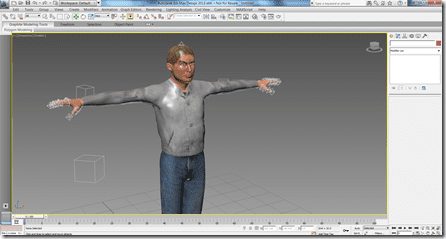
I created my own character and exported the fully rigged character into 3ds Max.

Learn more and watch the videos at:
http://labs.autodesk.com/technologies/pinocchio
Please provide feedback on the project’s feedback links to help determine the future of this technology preview.

It is fully rigged but not yet constraint and no controllers